# leaflet-sidebar
A responsive sidebar plugin for [Leaflet](http://leafletjs.com/), a JS library for interactive maps.
Please also have a look at [sidebar-v2](https://github.com/Turbo87/sidebar-v2), the tabbed successor of this library.
 ## Examples
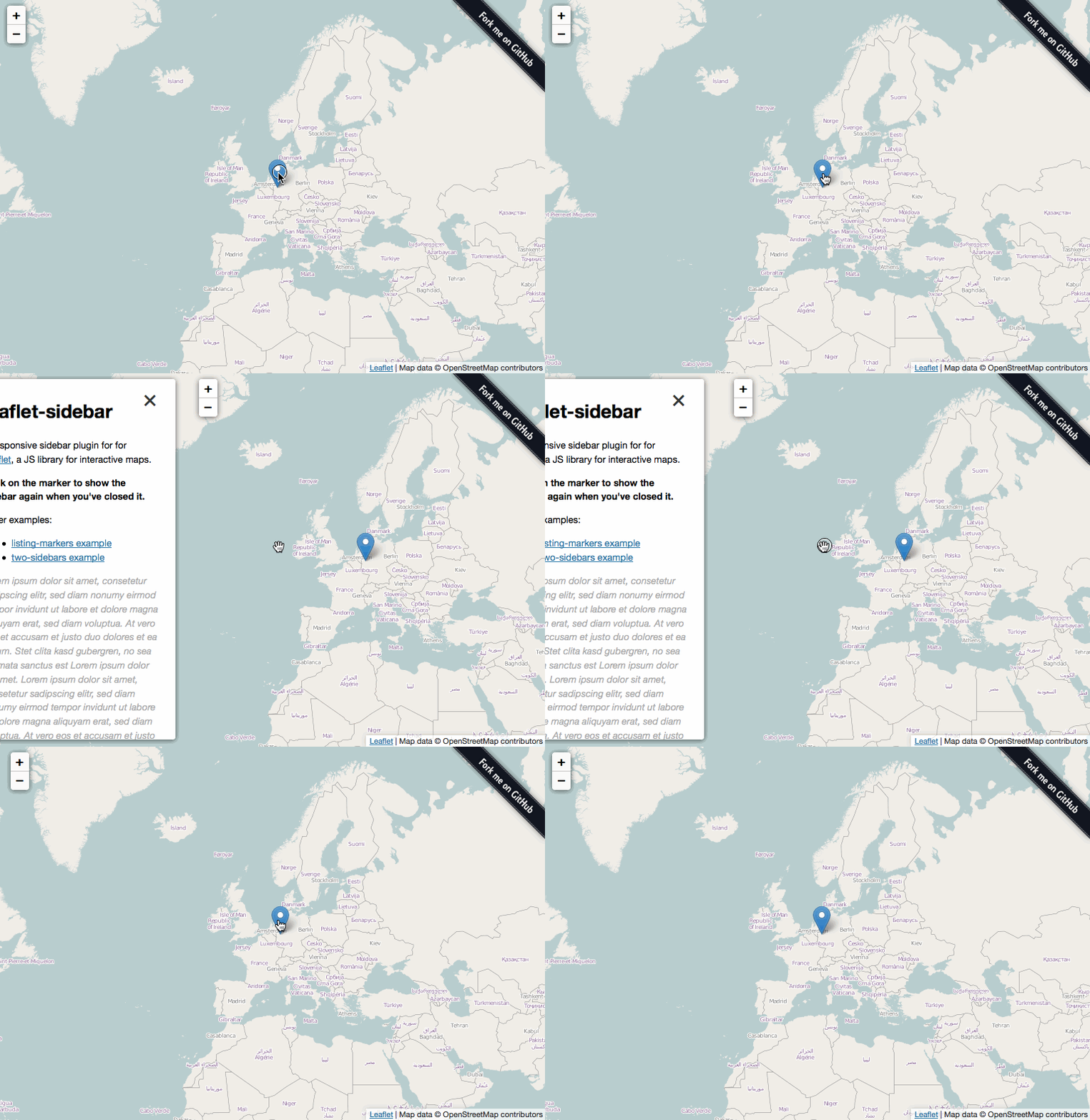
Examples are available in the `examples` folder and on Github Pages:
* [Basic example](http://turbo87.github.io/leaflet-sidebar/examples/)
* [mapbox.js listing-markers example](http://turbo87.github.io/leaflet-sidebar/examples/listing-markers.html)
* [Example with 2 sidebars](http://turbo87.github.io/leaflet-sidebar/examples/two-sidebars.html)
## Using the plugin
See the included examples for usage.
### Usage
Add a content container somewhere in your document:
~~~~html
~~~~
Create a new `L.Control.Sidebar` and add it to the map:
~~~~javascript
var sidebar = L.control.sidebar('sidebar', {
position: 'left'
});
map.addControl(sidebar);
~~~~
The sidebar will be hidden on startup, use the following methods to show or hide it:
~~~~javascript
// Show sidebar
sidebar.show();
// Hide sidebar
sidebar.hide();
// Toggle sidebar visibility
sidebar.toggle();
// Check sidebar visibility
var visible = sidebar.isVisible();
~~~~
If you want the sidebar to be visible on startup use the following snippet after adding it to the map:
~~~~javascript
setTimeout(function () {
sidebar.show();
}, 500);
~~~~
Do not call `show()` directly after adding the control to the map. The `setTimeout` will work around some CSS quirks for you.
The content of the sidebar can be changed dynamically:
~~~~javascript
sidebar.setContent('test test test');
~~~~
If you need more flexibility you can use `sidebar.getContainer()` to get the content container element or use e.g. jQuery on the `
## Examples

Examples are available in the `examples` folder and on Github Pages:
* [Basic example](http://turbo87.github.io/leaflet-sidebar/examples/)
* [mapbox.js listing-markers example](http://turbo87.github.io/leaflet-sidebar/examples/listing-markers.html)
* [Example with 2 sidebars](http://turbo87.github.io/leaflet-sidebar/examples/two-sidebars.html)
## Using the plugin
See the included examples for usage.
### Usage
Add a content container somewhere in your document:
~~~~html
~~~~
Create a new `L.Control.Sidebar` and add it to the map:
~~~~javascript
var sidebar = L.control.sidebar('sidebar', {
position: 'left'
});
map.addControl(sidebar);
~~~~
The sidebar will be hidden on startup, use the following methods to show or hide it:
~~~~javascript
// Show sidebar
sidebar.show();
// Hide sidebar
sidebar.hide();
// Toggle sidebar visibility
sidebar.toggle();
// Check sidebar visibility
var visible = sidebar.isVisible();
~~~~
If you want the sidebar to be visible on startup use the following snippet after adding it to the map:
~~~~javascript
setTimeout(function () {
sidebar.show();
}, 500);
~~~~
Do not call `show()` directly after adding the control to the map. The `setTimeout` will work around some CSS quirks for you.
The content of the sidebar can be changed dynamically:
~~~~javascript
sidebar.setContent('test test test');
~~~~
If you need more flexibility you can use `sidebar.getContainer()` to get the content container element or use e.g. jQuery on the `